PC Chassis and Motherboard Size Guide
Jump to:
How to Measure |
Ultra & Enthusiast Sizes |
Mid-Tower Standard |
Airflow & Thermals |
ITX vs mITX |
Hardware FAQs
1. Measure your Internal Chassis Clearance
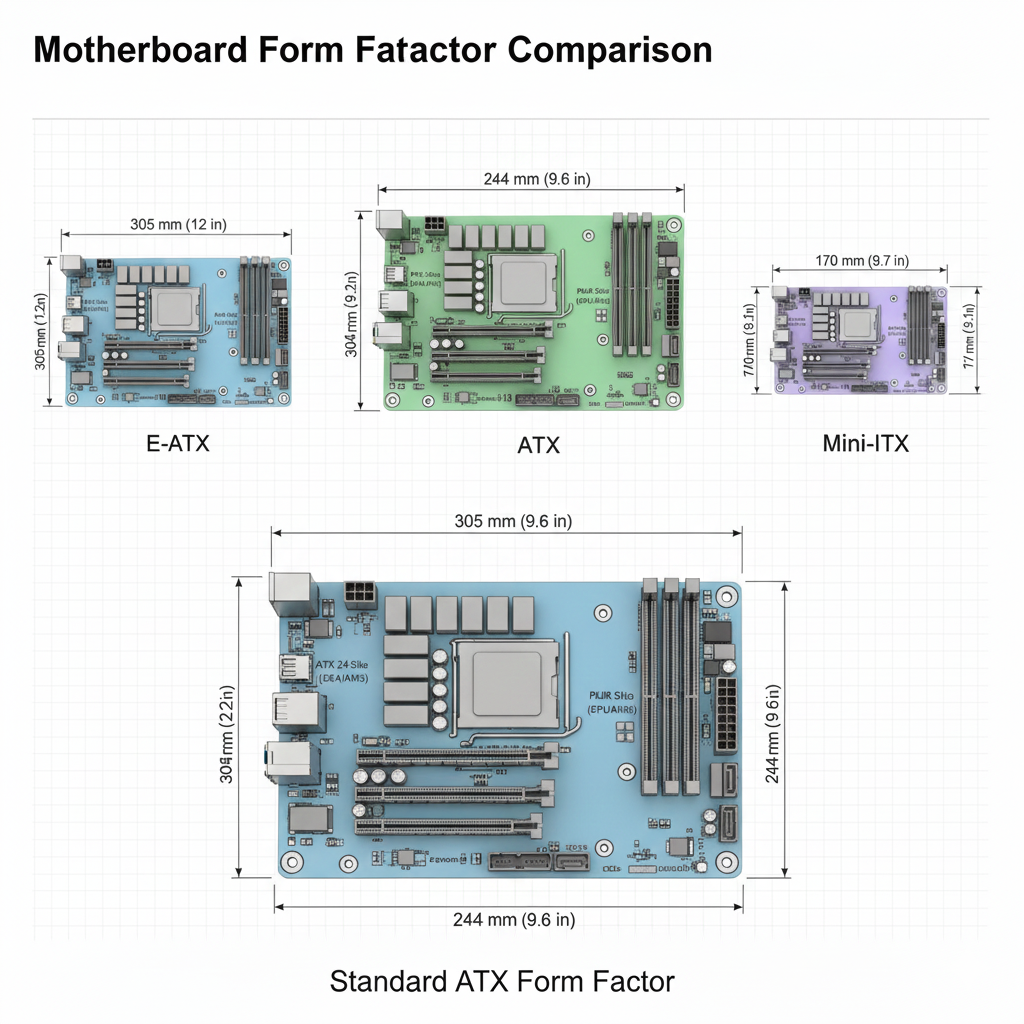
Before purchasing a new motherboard, it is essential to measure the “tray” area of your PC chassis. While most modern cases are categorized as Mid-Tower or Full-Tower, internal clearances vary significantly between brands. Check the distance from the rear I/O shield cutout to the front drive cages. A standard ATX board requires 305mm of vertical height, but ATX Ultra or XL-ATX variants can exceed 340mm, requiring specific enthusiast-grade chassis.
2. Identify Standoff Mounting Points
Motherboards are secured by small brass spacers called standoffs. Look for the etched letters near the screw holes: ‘A’ for ATX, ‘M’ for Micro-ATX, and ‘I’ for ITX. For ATX Ultra boards, you will often need additional standoff points usually only found in Full-Tower frames. Proper alignment ensures your board is grounded and prevents electrical shorts against the chassis frame.
The Rise of ATX Ultra and XL-ATX
For the extreme enthusiast, standard ATX is often not enough. ATX Ultra (often referred to as XL-ATX) is designed for motherboards that host more than four PCIe lanes or dual-socket CPU configurations. These boards typically measure around 345 x 262 mm.
Using an ATX Ultra board provides unparalleled expansion for NVMe RAID cards and multi-GPU setups, but it creates a “clearance crisis” in standard Mid-Towers. If you choose an Ultra variable, you must verify that your chassis has at least 8 or 9 expansion slots on the rear panel. A standard Mid-Tower only has 7, meaning the bottom of an Ultra board would physically hit the PSU shroud or the bottom of the case.
The Versatility of the Mid-Tower Chassis
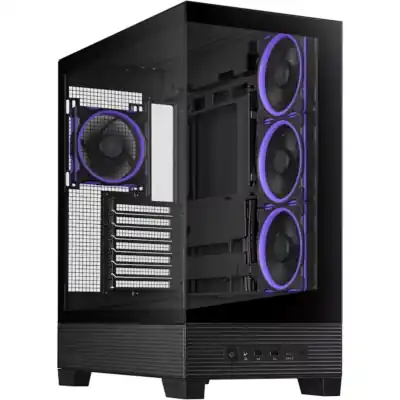
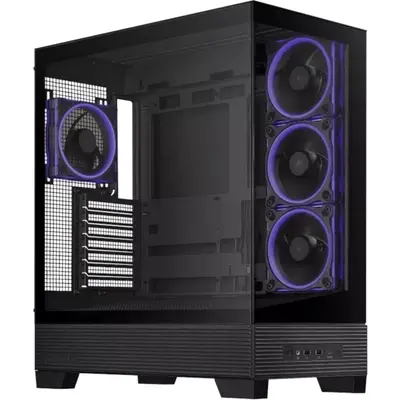
The Mid-Tower is the “goldilocks” of the PC hardware world. It provides enough volume for high-end cooling without dominating your entire desk space. Most Mid-Towers are designed to house up to Standard ATX motherboards. However, the modern trend of “Panoramic” or “Dual-Chamber” Mid-Towers has changed how we measure clearance, often prioritizing width for side-mounted radiators over vertical height.
When selecting a Mid-Tower at ShopiShop, the primary measurement to watch is the CPU Cooler Height. Because Mid-Towers are narrower than Full-Towers, high-end air coolers may touch the side panel. Always ensure your Mid-Tower has at least 160mm of CPU cooler clearance to accommodate modern performance heatsinks.
Airflow Optimization in Mid-Tower Builds
A motherboard’s lifespan is directly linked to the ambient temperature inside the chassis. In a Mid-Tower configuration, the goal is to create Positive Pressure. This is achieved by having more intake fans than exhaust fans, which forces air out of every small gap in the case, preventing dust buildup in South Africa’s dusty environments.
For optimal results, we recommend a “Front-to-Back” airflow path. Intake fans should be placed at the front to pull in cool air, while exhaust fans should be located at the rear or top to expel the rising heat from the CPU and VRMs. If you are using a Micro-ATX board in a Mid-Tower case, you have the advantage of increased “dead air” space at the bottom, which can be utilized for additional intake fans to keep your GPU temperatures low during intense gaming sessions.
ITX vs mITX: Clarifying the Naming Conventions
A frequent point of confusion is the distinction between ITX and mITX. In the hardware industry, these terms are used interchangeably to describe the Mini-ITX form factor. Developed in 2001, this 17cm x 17cm variable remains the standard for Small Form Factor (SFF) enthusiasts.
While “mITX” is technically the more accurate abbreviation (mini-ITX), “ITX” has become the common shorthand. Any motherboard labeled as ITX will fit into cases designed for Mini-ITX. These boards feature a single PCIe slot and usually two RAM slots, making them perfect for console-sized PC builds without sacrificing modern CPU power.
Comprehensive Motherboard & Chassis Table
| Form Factor | Dimensions (mm) | PCIe Slots | Compatible Chassis |
|---|---|---|---|
| XL-ATX / Ultra | 345 x 262 | 8 – 10 | Full Tower / Super Tower |
| E-ATX | 305 x 330 | 4 – 8 | Full Tower |
| ATX | 305 x 244 | 4 – 7 | Mid Tower / Full Tower |
| Micro-ATX | 244 x 244 | 2 – 4 | Mini Tower / Mid Tower |
| Mini-ITX / mITX | 170 x 170 | 1 | SFF / Mini / Mid Tower |
Expert Recommended Hardware
Best Mid-Tower (ATX)
Best Compact (mATX)
Guess Women’s Watch (GW0877L4)
R5895,00 Original price was: R5895,00.R4716,00Current price is: R4716,00.
In stock
Free local shipping on all orders over R400
- 30 days easy returns
- Order yours before 13:30pm for same day dispatch on selected items in 24hr section (All tech shipped say day if paid via immediate clearance).
- Expedited shipping available for all other items, immediate clearance eft only.
- International orders shipping calculated pre-checkout, average $25.
Additional information
| Weight | 0,3 kg |
|---|---|
| Dimensions | 15 × 15 × 15 cm |
| Type Main | |
| Sub Type |
Only logged in customers who have purchased this product may leave a review.
Related products
Best SFF (Mini-ITX)
Guess Women’s Watch (GW0877L4)
R5895,00 Original price was: R5895,00.R4716,00Current price is: R4716,00.
In stock
Free local shipping on all orders over R400
- 30 days easy returns
- Order yours before 13:30pm for same day dispatch on selected items in 24hr section (All tech shipped say day if paid via immediate clearance).
- Expedited shipping available for all other items, immediate clearance eft only.
- International orders shipping calculated pre-checkout, average $25.
Additional information
| Weight | 0,3 kg |
|---|---|
| Dimensions | 15 × 15 × 15 cm |
| Type Main | |
| Sub Type |
Reviews
There are no reviews yet.
Only logged in customers who have purchased this product may leave a review.
Related products
Hardware Compatibility Help
Your happiness team is always waiting to assist you!
Call/WhatsApp +27 87 092 7908
Common hardware queries answered
Chassis & Mid-Towers
Why choose a Mid-Tower over a Full-Tower?
Mid-Towers offer the best balance of internal volume and desk footprint. They support standard ATX motherboards and large GPUs while fitting comfortably on most office furniture. Full-Towers are typically only necessary if you are running multiple GPUs or complex E-ATX workstation boards.
Will an ATX Ultra board fit my Mid-Tower?
Almost certainly not. ATX Ultra (XL-ATX) boards require more vertical expansion slots (usually 8 or 9) than a standard Mid-Tower provides (7). Attempting this fit will result in the board hitting the PSU shroud.
Motherboard Tech
Is there a difference between ITX and mITX?
No. They are identical terms. mITX is the technical abbreviation for Mini-ITX, while ITX is the common shorthand. Both refer to the 170mm x 170mm board size.
Can I put a Micro-ATX board in a Mid-Tower?
Absolutely. Most Mid-Tower cases come with pre-drilled mounting holes for both ATX and Micro-ATX. This is a great choice if you want the superior airflow of a larger case with a value-focused board.


Reviews
There are no reviews yet.